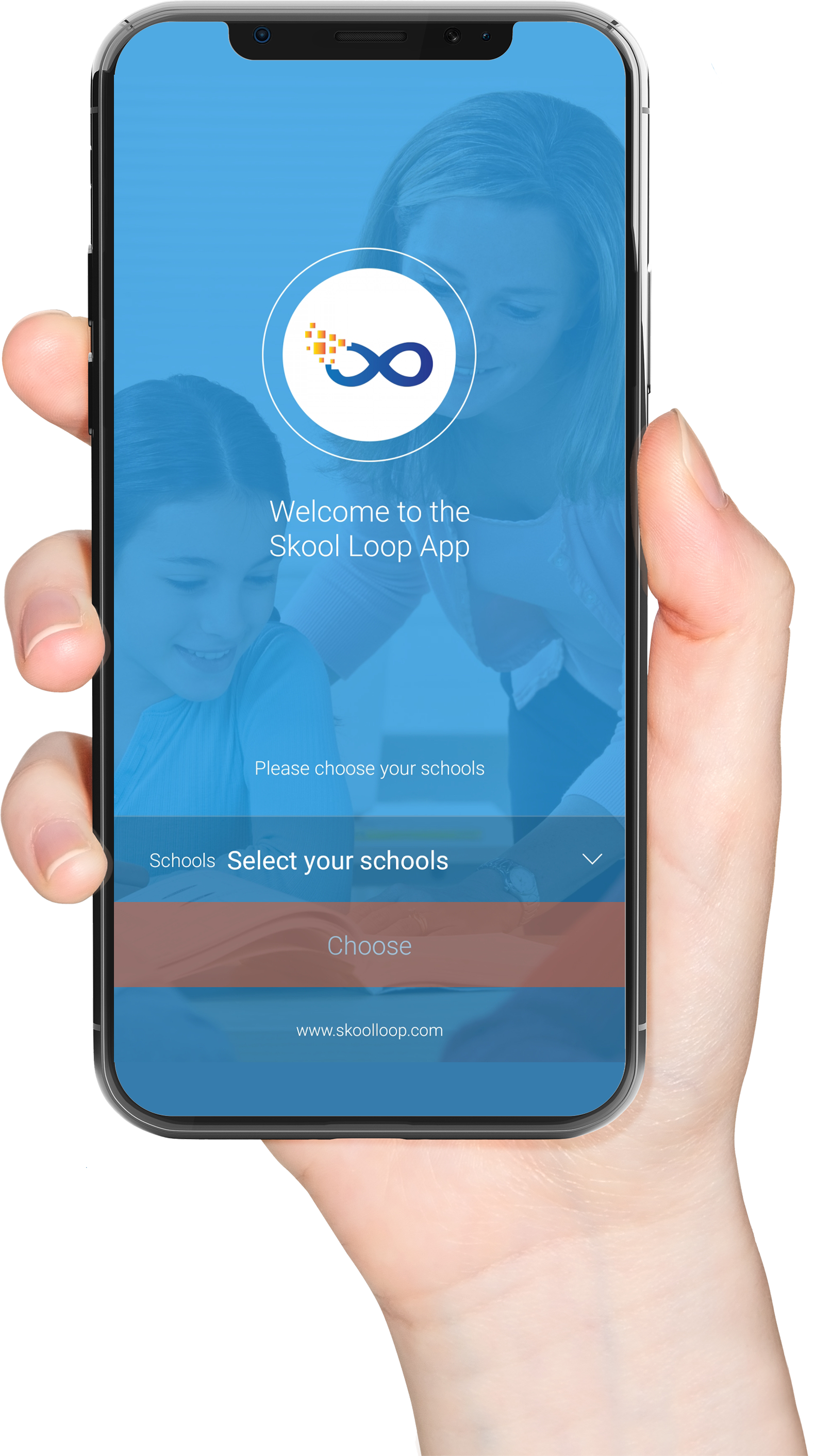
Skool Loop
Notices, absences and parent interviews.
Open Skool Loop →
HAEATA COMMUNITY CAMPUS / WHĀNAU INFORMATION
Stay connected with Haeata.
From notices and absence reporting to school payments and caregiver information, find the right tool in one place.
Download Skool Loop →Make a payment →Explore Helix ↗Notices, absences and parent interviews.
Open Skool Loop →School payments, activities and uniforms.
Open Kindo →Caregiver access to available student information.
Visit Helix →Newsletters and community updates.
View updates →THE RIGHT PLACE, FIRST TIME
Not sure which platform to use? Select the task below and we’ll point you in the right direction.
Use Skool Loop to tell Haeata your child will be away.
Get the app →Read alerts, notices and updates on Skool Loop.
See Skool Loop →Access Kindo for school-related payments.
Sign in to Kindo →Go to the Helix caregiver information page.
Visit Helix →Whole-school newsletters are published through Hail.
About newsletters →Follow school highlights and updates on Facebook.
Visit Facebook →
NOTICES / ABSENCES / INTERVIEWS
Skool Loop is a main communication channel for Haeata whānau across Years 1–13. Use it to receive school notices and notifications, report an absence, contact the school through the app, and access parent interview bookings when available.
Get school updates, notices and important reminders.
Tell Haeata when your child will be absent.
Book school interviews when bookings are opened.
GET STARTED
Download the free Skool Loop app using the store links below. Open the app, find Haeata Community Campus, and follow the setup guide to receive school communications.


INSTALLATION GUIDE

Select the image to view the full-size guide. If you need assistance, contact the school office.
ONLINE PAYMENTS / UNIFORMS / ACTIVITIES
Haeata uses Kindo for school-related payments. Families can use the secure Kindo service to pay for items offered by the school, including uniforms sold by Haeata, trips, fundraising and other listed charges.
Haeata’s existing information states that reception is cashless. Please confirm current payment arrangements directly with the school.
Sign in or create a Kindo account ↗Kindo for parents ↗
Buy uniform items offered directly by Haeata.
Make payments for school trips and activities when listed.
Support school fundraising items made available in Kindo.
See fees and other approved purchases in your family account.
PRACTICAL HELP
Use the official Kindo family portal to sign in or create an account, view the purchases available for your child, and complete payments securely. The Kindo guide below offers additional information; its playback is set to start at 2:48.
STUDENT INFORMATION
Helix is Haeata’s student management system across Years 1–13. Caregivers can access information that Haeata makes available through their authorised accounts. The dedicated Helix page provides sign-in and app guidance.
Explore Haeata Helix information ↗Use Skool Loop for absences and notices, Kindo for payments, and Helix for available student information.
KEEPING OUR WHĀNAU INFORMED
Haeata’s existing website describes Hail as its platform for term and annual whole-school newsletters. Please contact the office for current newsletter access details.
Contact the office →Follow Haeata’s school news, highlights and community updates on its official Facebook page.
Follow Haeata →For questions or assistance accessing school communication tools, get in touch with the school office.
Contact us →AT A GLANCE
| I want to… | Use |
|---|---|
| Report an absence | Skool Loop |
| See school notices | Skool Loop |
| Book a parent interview (when available) | Skool Loop |
| Pay for trips, uniform items or charges | Kindo |
| Access student information | Helix |
| Find whole-school newsletters | Hail / school office |
| See school highlights |
NEED ASSISTANCE?
Not sure which app or account you need? Our school office can point you in the right direction.
Phone: 03 930 0110
General enquiries: office@haeata.school.nz
Accounts: accounts@haeata.school.nz
Address: 240 Breezes Road, Wainoni, Christchurch 8061
For your security, never send passwords or payment-card information by email.
Contact Haeata →COMMON QUESTIONS
Use the Skool Loop app to report an absence. If you cannot access the app, contact Haeata for guidance.
Skool Loop is Haeata’s main app for notices and school notifications.
Use Kindo for the school payments and items available through your family account.
Follow the guidance on the Haeata Helix caregiver page.
Haeata identifies Hail as its platform for term and annual whole-school newsletters. Ask the office for current access information.
Contact the Haeata office. Do not send your account passwords or payment card details by email.
CONNECTED WHĀNAU / CONNECTED LEARNING
Good communication helps us work together to support our ākonga. Choose your next step below.
Get Skool Loop →Access Kindo ↗Explore Helix ↗Parents, please support our local businesses


Visit Website
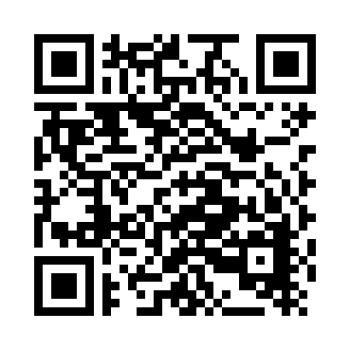
Scan this code to download the app
Download our Skool Loop App, a simple and free download. In Google Play & App Store search ‘Skool Loop’ and choose our school once installed.