Attendance
Review attendance records and select a date range.

Haeata Community Campus / Whānau
Helix is Haeata Community Campus's student management system for Years 1–13. The caregiver portal and app provide access to school information made available to your account.
Sign in to Helix Caregiver Portal ↗ Get the Helix app ↓01 / About Helix
Helix is the student management system Haeata uses across Years 1–13. It helps staff manage student records and gives whānau access to the information the school has made available through their caregiver account.

Use the official Helix Caregiver Portal on your computer or the Helix SMS app on your phone. Both use your authorised caregiver account.
First time using Helix? Go to Getting started for simple sign-in and password instructions.
02 / Caregiver information
The official caregiver guide describes these functions. What appears in your account depends on features enabled by Haeata and your permissions.
Review attendance records and select a date range.
See timetable information if this is provided in your account.
View assessment information or reports made available by Haeata.
For eligible secondary learners, NCEA credit summaries may be available.
Read updates and announcements where Haeata uses these Helix features.
Linked children may be available from a single caregiver dashboard.
Features illustrated by the Helix caregiver guide are not all confirmed as enabled at Haeata.
03 / Your account
Use your registered caregiver email address. If this is your first time, the guide explains how to set your password.
01
Select “Sign in to Helix” and open the official Helix caregiver login.
02
Use the caregiver email and password associated with your school account. Google sign-in may be available for accounts configured for it.
03
Select “Reset Helix password” on the Helix login screen, if that wording is still shown. Follow the email instructions to set a password.
04
Sign in and choose your child to view the information available to you.
04 / Mobile access
The Helix SMS caregiver app is available for Apple and Android. Use the official app store links below to download it.
Choose your device below to open the official app listing. These links take you to Apple App Store or Google Play.


If a badge image doesn't display, open the Apple listing or open the Google Play listing.
An illustrated eight-page PDF explains app setup, attendance, achievement and other optional features.
The guide includes some older “Edge App” wording. Confirm instructions if your screen looks different.
05 / Attendance
The guide shows caregivers selecting Attendance from the dashboard, choosing a period and reviewing the recorded information.
Sign in → select your child → select Attendance → choose a time period → review their attendance information.
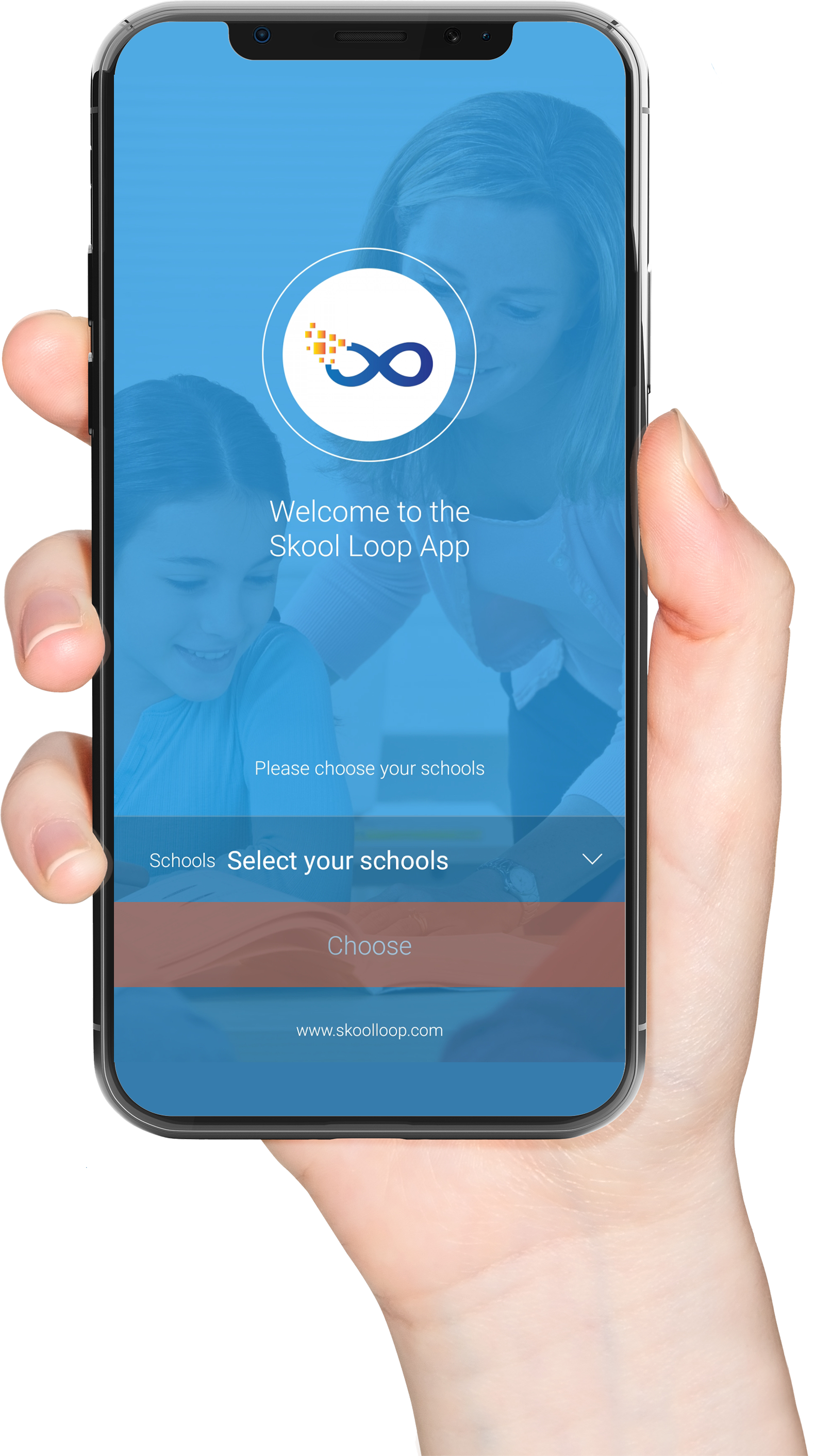
Haeata currently directs whānau to Skool Loop for absence reporting. Helix also offers an optional absence feature, but its use at Haeata must be confirmed.
06 / Learning
Helix may show assessment results, reports and NCEA information where the school has made those sections available. Results shown in the caregiver app depend on the learner’s year level, school settings and publication of results.
If you have questions about information shown in Helix or cannot see an expected result, contact Haeata rather than assuming the record is missing.
07 / Choosing the right tool
Haeata uses different digital tools for different purposes. Use the relevant school-approved system for each task.
Student management and caregiver access to information available in the portal.
School communications, notices, interviews and the established absence-reporting option.
Haeata’s published online payment system for school-related payments.
Helix’s general product guide also describes payments and absence notifications, but Haeata’s existing published instructions designate Kindo and Skool Loop for these activities.
08 / Common questions
Use the official Helix Caregiver Portal link at the top of this page. The login page opens outside Haeata’s website.
The caregiver guide instructs users to choose “Reset Helix password” at the Helix login. Follow the email instructions. If you do not receive the message, check your spam folder and ask Haeata to confirm the email recorded for your caregiver account.
The Helix guide says multiple linked children may appear on the caregiver dashboard. Ask Haeata if an eligible child is missing.
The official guide describes attendance and assessment features, but what appears depends on Haeata’s configuration and the information available for your child.
Haeata’s existing website identifies Skool Loop for absence reporting. Check with the school before using the optional Helix absence feature.
Haeata currently identifies Kindo as its school payment platform. Please follow Haeata’s payment instructions.
Contact Haeata’s office so staff can help with access or direct you to the appropriate team. Never email your password.
09 / Support
If you need assistance with first-time access, password setup, a missing child on your dashboard or student information, Haeata can help you find the right next step.
Keep your Helix password private. Never send credentials to the school or enter them into a form on this webpage. Use the official Helix sign-in page.
Parents, please support our local businesses


Visit Website
Scan this code to download the app
Download our Skool Loop App, a simple and free download. In Google Play & App Store search ‘Skool Loop’ and choose our school once installed.